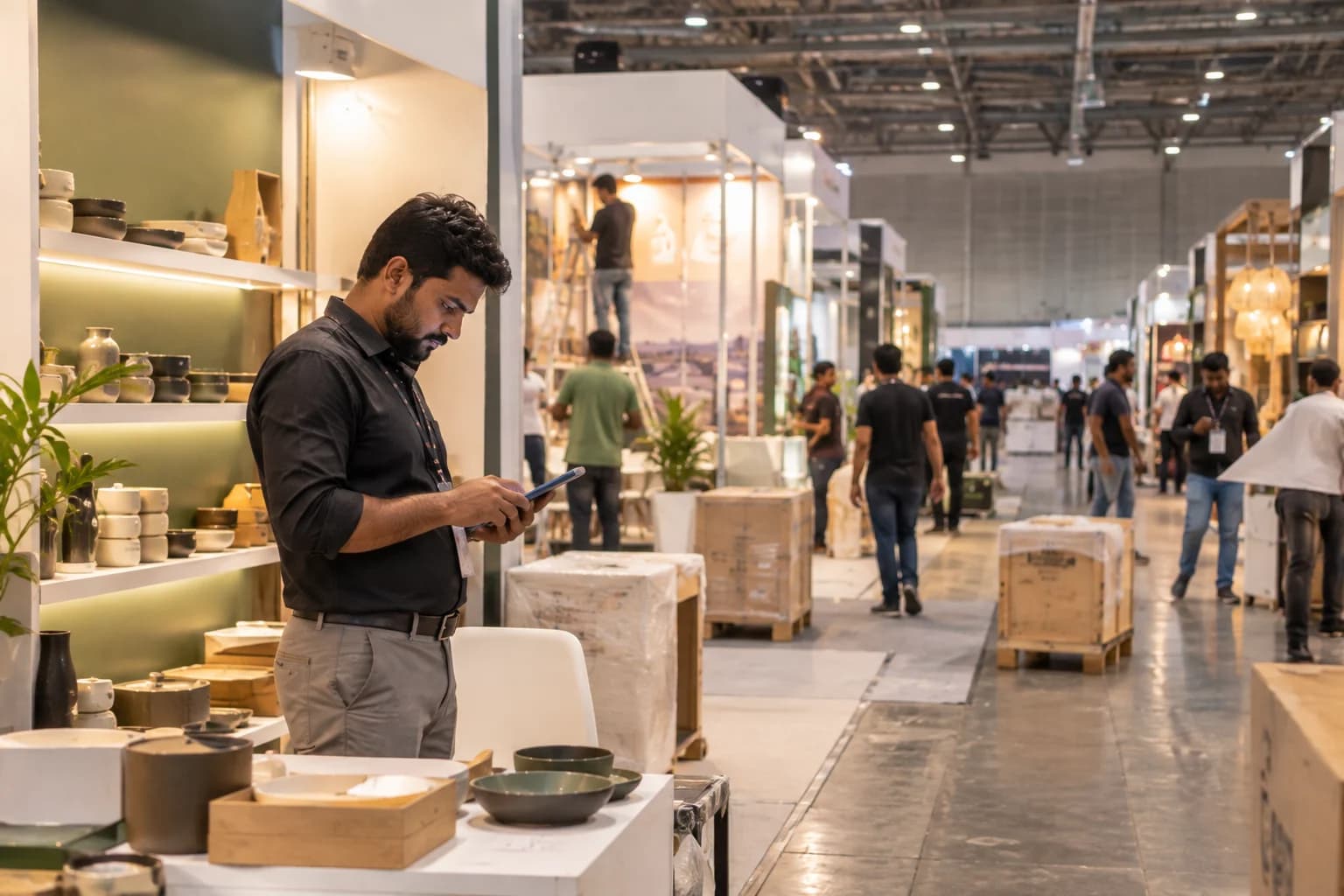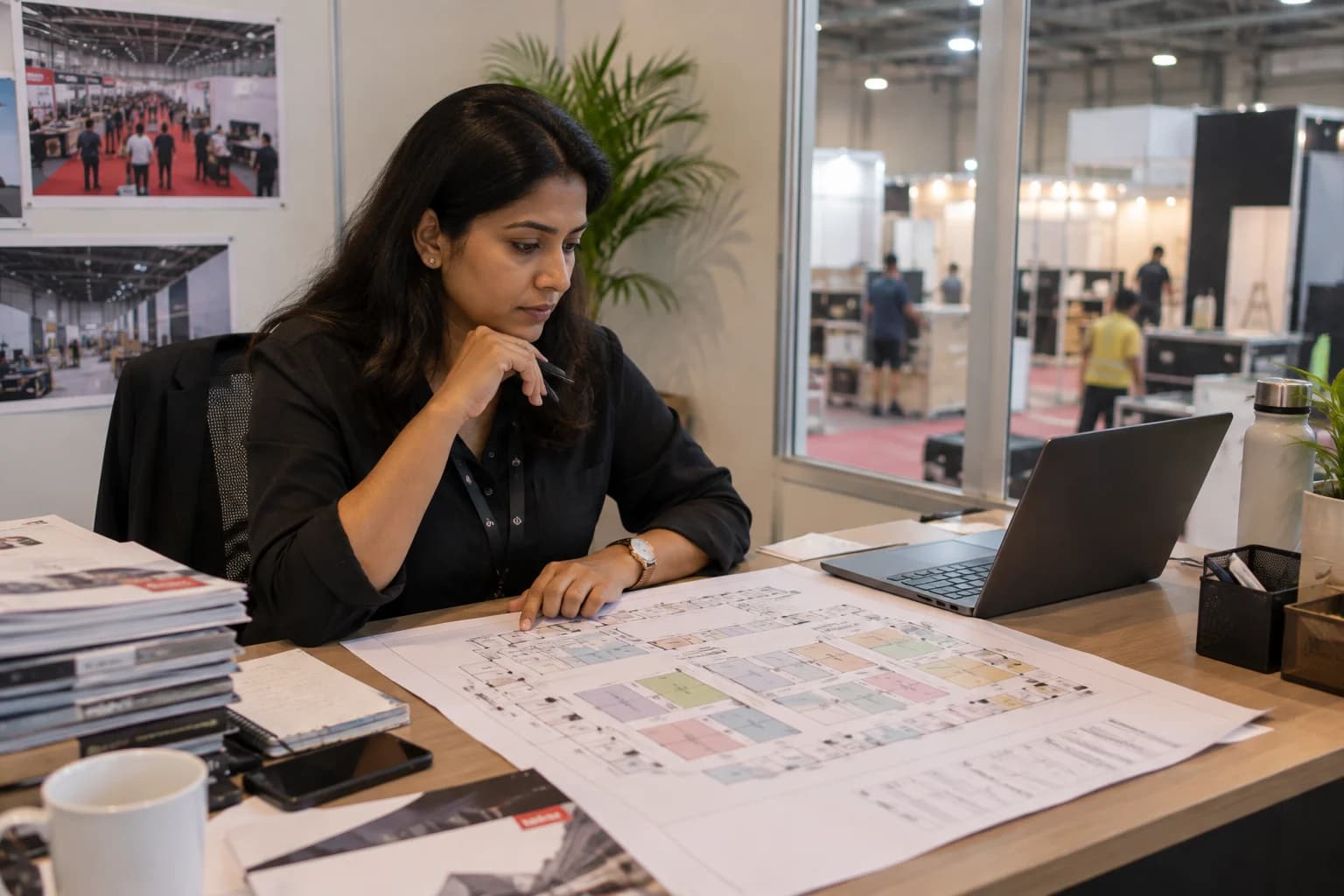
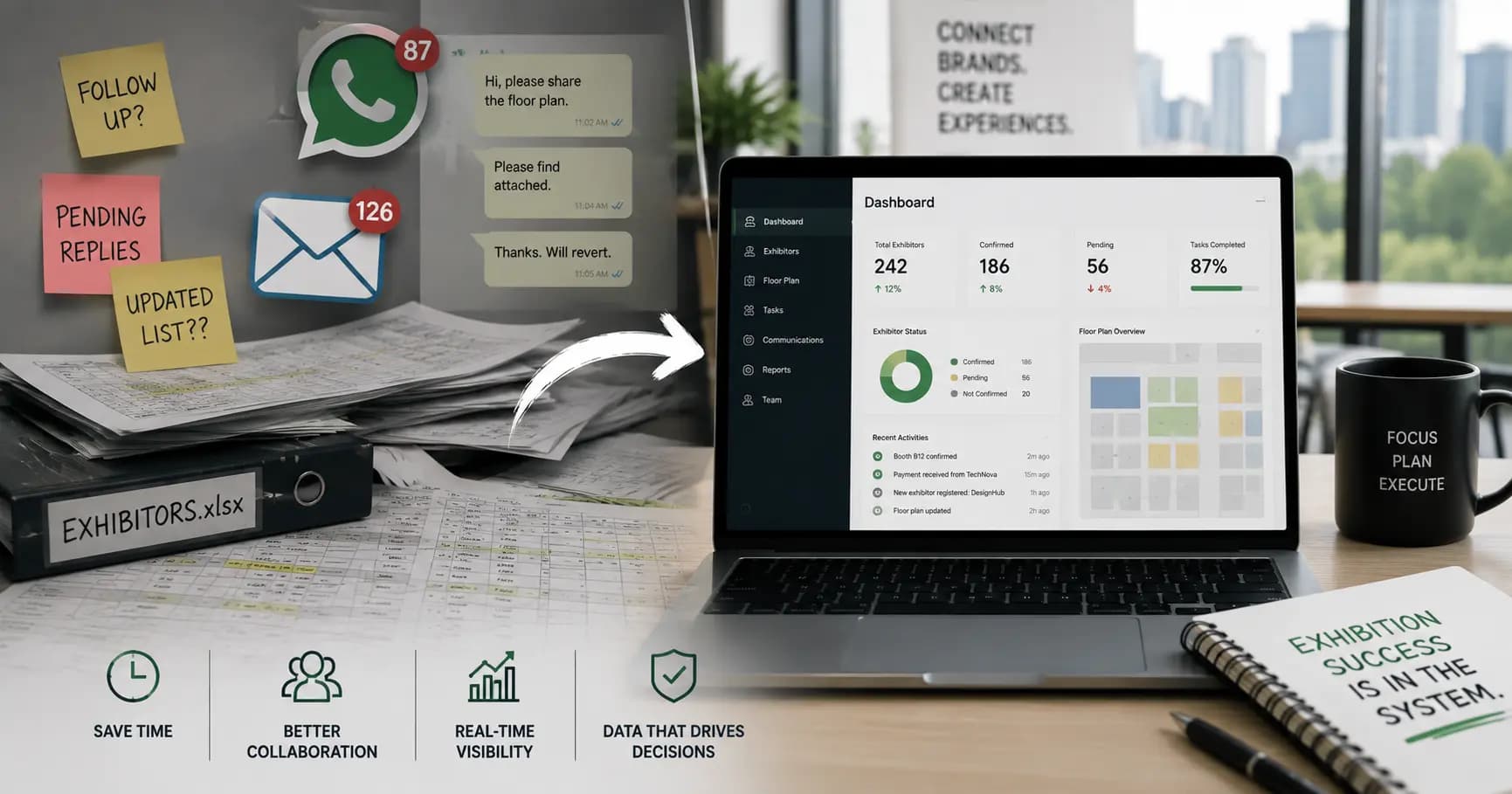
An exhibition can take months to organise and only a few days to run. During those months, an organiser may manage exhibitor applications, stall allotments, floor plans, payments, documents and communication across email, WhatsApp, Excel, PDFs and PowerPoint. The individual tools are familiar. The operational problem is that the information they contain is connected, while the tools are not.
The exhibition operation is more connected than the tools
An exhibitor submits an application by email. A stall preference comes through WhatsApp. The allotment is updated in Excel. The floor plan is maintained in a PDF or PowerPoint. Payment status is tracked in another sheet.
Each record may be correct at the moment it is updated.
The difficulty is keeping all of those records aligned.
A stall changes and the floor plan needs to change. The exhibitor needs to be informed. Payment status may need to be checked. Another team member may already be working from an older version.
The organiser becomes the connector between systems.
For a small show, that can be manageable. For a trade fair with 150 to 300 exhibitors, the coordination load becomes much harder to control.
The exhibitor application should not end when the form is submitted
An application is the beginning of an exhibitor relationship, not the end of a data-collection exercise.
After submission, the organiser needs to review and approve the application, manage documents, assign a stall, track payment and keep the exhibitor informed.
Nexhibit is designed to carry the exhibitor through that organiser-side workflow.
The exhibitor portal supports online application and document submission, while the organiser can manage approval and live status. The record can then connect to stall allotment, payments and communication.
The important idea is continuity.
The information collected at the beginning remains useful throughout the show lifecycle.
A floor plan is operational data
A floor plan looks like a visual document, but for an organiser it represents inventory.
Every stall has a number, location, size and status. An exhibitor is associated with that space. Changes to the floor plan can affect commercial and operational decisions.
When the floor plan is separated from the allotment record, the team has to keep both synchronized manually.
Nexhibit connects interactive floor planning with stall inventory and allotment. This allows organisers to work from a more current view of the show floor and its assignments.
The benefit is not simply a more modern-looking floor plan.
It is the relationship between physical space and the operational data behind it.
Payment tracking belongs in the exhibition workflow
An organiser cannot fully understand the status of a show without knowing the commercial status of its exhibitors.
Invoices are sent. Payments are received. Some remain outstanding. Those statuses are connected to the exhibitor and, in many cases, the stall being allotted.
When payment information lives in another spreadsheet, the operations team has to reconcile it manually.
Nexhibit includes payment tracking, invoicing and automated reminders as part of the organiser-side workflow. This keeps commercial information closer to the exhibitor and stall records it belongs to.
The goal is not to replace every finance process an organisation uses.
It is to reduce the operational gap between commercial status and exhibition status.
Communication becomes difficult when context is scattered
Exhibitors need updates before and during a show.
A change to a stall, a document request, a payment reminder or an important show update can generate another email or WhatsApp conversation.
When communication history is scattered, the organiser may have to search for what was previously said before responding to a new question.
Nexhibit provides centralised exhibitor communication, notifications and confirmations as part of the organiser workflow.
The purpose is not to make communication less personal.
It is to keep the context of the relationship easier to access, especially as the exhibitor base grows.
The show ends, but the information should remain useful
The final day of an exhibition is not the end of its operational lifecycle.
The organiser still needs post-event reporting, reconciliation and information that may be useful for the next edition.
If the show's information is spread across multiple spreadsheets and folders, the team may have to manually compile reports after the event. The next edition can then begin by rebuilding information that the organisation already created.
Nexhibit includes post-event reporting around exhibitor count, revenue, space utilisation and attendance summary.
For recurring exhibitions, the broader principle is operational memory.
Each edition should leave the organisation with a structured record that can support the next one rather than another collection of disconnected files.
The real shift is from coordination to control
Most exhibition organisers are already using digital tools.
The question is whether those tools create one operational picture.
Nexhibit is built specifically for exhibition and trade-fair operations, with the organiser and exhibitor side at its centre. It brings applications, approvals, stall allotment, floor planning, payments, communication and reporting into one system.
That focus matters.
Nexhibit is not generic event-management software, and it is not a public attendee ticketing or registration platform. It is designed around the work that exhibition organisers actually have to coordinate.
The show floor is the visible result.
The system behind it is what helps the team get there with less fragmentation.
What this means for the organisation
The larger lesson is that exhibition operations are relationship-heavy. Exhibitors, stalls, payments, documents, floor plans and communications are connected by the show itself. Nexhibit is designed to keep those organiser-side relationships together so the operations team does not have to recreate the same context across email threads and spreadsheets.
Why 20 exhibitors and 200 exhibitors are different operational problems
Email and Excel can be perfectly reasonable tools for a small show. The handbook itself frames the break point around scale: once a show reaches roughly 100 to 300 exhibitors, the organiser faces more opportunities for stall conflicts, missed payments, outdated floor plans and missed confirmations.
The issue is not simply the number of records. It is the number of relationships between records.
An exhibitor is connected to an application, a stall, a payment, documents and communication. A stall is connected to the floor plan and the exhibitor. A payment is connected to the commercial status of the exhibitor.
As those relationships multiply, manual reconciliation becomes a larger part of the operations team's workload.
The floor plan and the commercial operation are connected
Exhibition space is not just a layout decision. Stalls are part of what the organiser is selling and managing.
That means a floor plan carries operational meaning. A booth location, size and allotment status can affect exhibitor communication and commercial status. When the visual plan and the underlying stall inventory are separated, the team has to keep two representations of the same show aligned.
Nexhibit connects interactive floor planning with stall inventory and allotment so the organiser can work from a more integrated picture of the show floor.
The benefit is not a promise that every change becomes effortless. The benefit is that the change has a structured place in the system rather than another disconnected file.
Exhibition operations continue after the doors close
A show can close on the final day, but the organiser's work continues.
Post-event reporting brings together information about the edition. Commercial reconciliation completes another part of the cycle. Exhibitor history and show information can become useful when planning the next edition.
Nexhibit includes post-event reporting and is designed around the full organiser-side lifecycle from exhibitor sign-up and stall allotment through payments, floor-plan management and reporting.
For teams that run recurring shows, this creates an opportunity to build operational memory instead of treating every edition as a completely new spreadsheet project.
Purpose-built software is about scope, not just features
The strongest reason to use vertical software is not that it has more features. It is that it understands the objects and workflows that matter.
For Nexhibit, those objects include exhibitors, stalls, allotments, floor plans, documents, payments and organiser communications.
That is also why the product should not be described as generic event-management software. The handbook explicitly defines its scope around exhibitions and trade fairs and excludes generic events such as concerts, weddings and corporate team-building events.
The narrower the problem definition, the more useful the workflow can become for the people responsible for solving it.
Where the product fits
Nexhibit is an exhibition and trade-fair management platform for organisers and related B2B exhibition operations. Its documented workflow covers exhibitor applications, approvals, stall allotment, floor planning, payments, communication and post-event reporting. It is specifically for exhibition operations and is not positioned as generic event software or public attendee ticketing.
Recommended publishing notes
Use this as the canonical Weblabs website resource for the topic. Add the relevant product-page link and approved product screenshots where useful. Keep SEO additions natural: target the search intent, use a clear title and headings, add internal links, and avoid repetitive exact-match keyword insertion. Product claims should remain within the handbook-supported scope.